Teach Your Granny How To Drive Voice Command Cheat Sheet
Every core phrase, Q menu tip, and timing habit in one coaching desk reference.
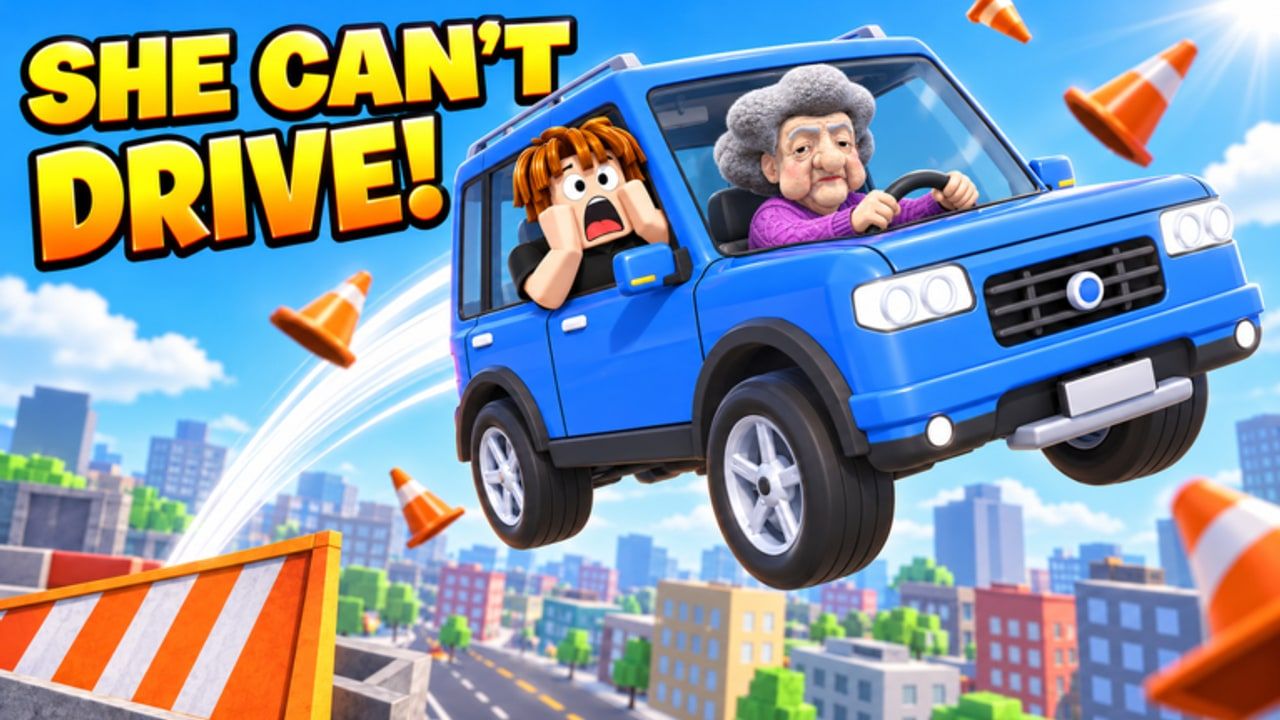
The Tools Hub is your printable-brain reference for Teach Your Granny How To Drive. You never touch the steering wheel—you coach. Tween Studios gives you two input lanes: hold SPACE and speak short phrases into voice chat, or hold Q (or tap Tell Granny) to pick a command when the mic is unavailable, noisy, or mid-panic. This page embeds the full cheat sheet so you can keep it open beside the client while you clear cones, bomb road, parking, ice cream chase, roundabouts, car wash, and busy streets.
Pair it with the narrative Controls & Voice Commands guide, the All Lessons Walkthrough, and Parking and Precision. New accounts should still skim Getting Started once.
Voice Command Cheat Sheet (SPACE)
Hold SPACE, keep phrases short, release, and watch whether Granny (or your unlocked driver) actually commits. Louder is not smarter—clearer is.
| Say this | Intent | When it saves you |
|---|---|---|
turn left | Steer left | Cone gates, roundabout exits, street corners |
turn right | Steer right | Mirror of left; call earlier than you think on wild cars |
slow down | Ease speed | Bomb road approaches, ice cream chase traffic, car wash queues |
STOP | Hard halt | Red-alert obstacles, parking corrections, “oh no” moments |
brake | Braking emphasis | Fine control when full STOP is too dramatic |
honk | Horn | Lesson prompts, busy streets flavor, waking distracted vibes |
buckle up | Seatbelt reminder | Start-of-lesson checklist and scripted safety beats |
Mic hygiene: One command at a time. Do not stack “turn left slow down STOP please” into a single breath—the game fantasy is that she listens mostly, not that she parses essays. If recognition flakes, switch to Q immediately instead of repeating five times into a crash.
Q Menu / Tell Granny tips
- Hold Q (desktop) or use the on-screen Tell Granny control when prompted.
- Pick the same intents as voice: turns, slow down, STOP/brake, honk, buckle up.
- Ideal for shared PCs, muted mics, or stages where you need pixel-perfect timing without fighting noise gates.
- Practice opening the menu during a calm cone lap so muscle memory exists before busy streets.
- If you alternate SPACE and Q in one lesson, keep a mental “last command” so you do not double-fire opposite turns.
Mobile or gamepad layouts can label the coach button differently—look for Tell Granny / command prompt text in the HUD rather than assuming a keyboard.
Timing habits that beat better cars
- Pre-call turns on roundabouts—speak before the painted exit, not after you pass it.
- Brake early on bomb road—
slow downfirst,STOPif the fuse fantasy gets close. - Parking is micro-moves—prefer
brake/ shortSTOPbursts over perpetual full throttle corrections. - Ice cream chase rewards rhythm; spam turns create fishtail comedy, not clears.
- Buckle up at the start so you are not hunting the phrase mid-hazard.
- After any unlock swap, re-test commands once—see Cars Tier List and Drivers Tier List.
A forgiving starter sedan with clean calls outperforms a wild unlock with panicked paragraphs. Coin priorities: Earn Coins & Unlocks. Roster philosophy: Players Hub.
Lesson callout pocket guide
Cone courses — Left/right cadence. If you clip a cone, reset composure with slow down before the next gate.
Bomb road — Speed discipline > horn memes.
Parking — Square the approach, then tiny brakes; deep dive on Parking and Precision.
Ice cream chase — Maintain pace; turn early for corners.
Roundabouts — Name the exit in your head, then voice the turn.
Car wash — Slow is safe; wait for scripted moments before spamming.
Busy streets — Mix honk, slow down, and decisive STOP; keep this cheat sheet visible.
Full route notes live in the lessons walkthrough.
Troubleshooting the coach desk
| Symptom | Try this |
|---|---|
| Voice does nothing | Check Roblox mic permissions; fall back to Q |
| She turns the wrong way | You may have stacked commands—pause, one clean call |
| Always crashing after an unlock | Revert car/driver; chaos tax is real (tier hub) |
| Menu too slow | Practice Q on cones; pre-position finger/cursor |
| Funny fails only | That is valid content mode—swap back to Classic Granny for progress |
Avoid “auto pass” scripts that jeopardize accounts. Promo help belongs on Codes only when legitimate.
After patches
Tween Studios has teased new lessons on the way. New stages will likely reuse this same phrase set. After each Roblox Updated stamp, run a 60-second command drill (left, right, slow down, STOP) before grinding. Track dates on the Updates Hub and official URLs on Official Links.
Related tools & hubs
This Tools Hub intentionally keeps the cheat sheet on the hub so you are one click from /tools/. Companion pages: Guides Hub, Controls & Voice Commands, Tier List Hub, Players, Updates, Wiki Links.
Print the tables, pin the tab, and remember the golden rule: short commands, early timing, Q when the mic lies. That trio clears more lessons than any wild car brochure.
Frequently Asked Questions
Quick answers for new instructors and returning players.
What are the main voice commands?
Core phrases include turn left, turn right, slow down, STOP, brake, honk, and buckle up. Hold SPACE while you say them clearly.
What if I do not have a mic?
Hold Q or use Tell Granny to pick commands from the menu. The cheat sheet intents are the same as voice.
Should I shout full sentences?
No. Short phrases work better. Stacking multiple instructions in one breath often causes missed or late reactions.
Does a new driver change the cheat sheet?
Personality changes; the coaching vocabulary stays the SPACE phrases and Q menu. See the Players Hub and Drivers Tier List for unlock advice.
Where can I practice timing?
Use cone courses and parking lessons first, then apply the same calls on bomb road and busy streets. The All Lessons Walkthrough sequences the full set.