Teach Your Granny How To Drive Controls and Voice Commands
Hold SPACE and shout — or open Q when the mic fails — so Granny finally turns before the cones.
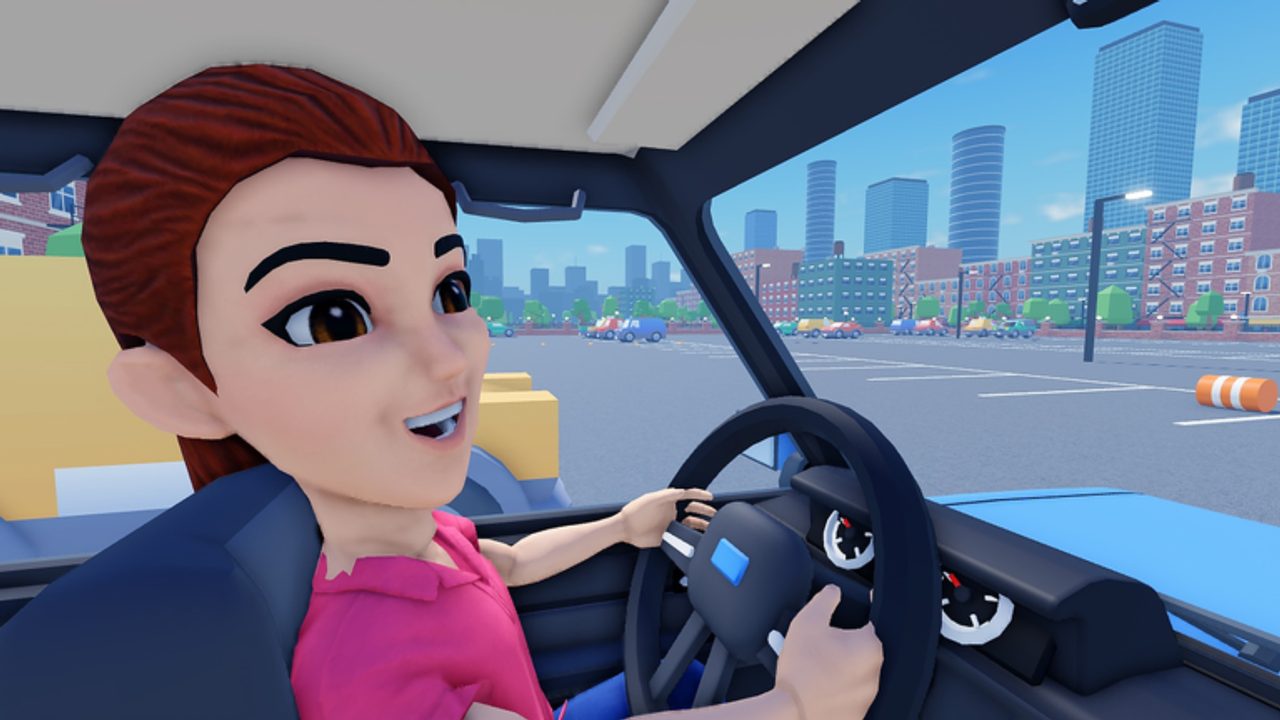
Mastering controls is the whole skill ceiling in Teach Your Granny How To Drive. You never throttle or steer directly. You coach. This guide covers hold SPACE voice commands, the hold Q / TELL GRANNY menu path, phrasing that lands, timing relative to hazards, and how to recover when Granny talks back instead of braking. Pair it with Getting Started if you are brand new, then apply the habits on every course in the All Lessons Walkthrough.
The two input paths (use both)
1) Voice — hold SPACE and speak
Press and hold SPACE, say a short command, then release. Classic lines players use:
- “Turn left!” / “Left!”
- “Turn right!” / “Right!”
- “Slow down!” / “Slow!”
- “STOP!!” / “Stop!”
Keep vocabulary tiny. The game is listening for coaching intents, not a TED Talk. Yell one idea per hold. If you chain “left then slow then stop” in one breath, you muddy recognition and waste the reaction window.
Mic hygiene: sit closer to the mic, cut fan noise, disable conflicting push-to-talk overlays that steal SPACE, and confirm Roblox voice permissions. If two SPACE holds fail with no car reaction, stop blaming Granny for a second and verify voice is actually transmitting.
2) Menu — hold Q or tap TELL GRANNY
When voice is unavailable or unreliable, hold Q or use the TELL GRANNY control to open the command picker, then select the instruction. This path is quieter, more precise, and essential in shared rooms. Treat it as a first-class control scheme, not a disability mode. Many players clear parking and cone gauntlets entirely through the menu because selection beats misheard shouts.
Practice switching mid-lesson: voice for a sudden STOP on bomb road, menu for a planned left before a roundabout exit. That hybrid style shows up constantly in successful runs.
Timing beats volume
Granny has delay. If you shout when the cone is already under the bumper, the turn arrives in the rearview mirror. Start the SPACE hold early — roughly when you would brake in a real car if you were teaching a nervous relative. For Parking and Precision drills, early soft “slow” commands matter more than dramatic last-second “STOP” spam.
A simple timing loop:
- Eyes on the next hazard (cone gap, bay entrance, bomb stretch, crosswalk cluster).
- Decide the single command you need.
- Hold SPACE or open Q before the decision point.
- Watch the car, not the chat bubble.
- If ignored, repeat once with the menu; do not dump five voice lines.
Phrasing that works vs fluff that fails
Prefer: left, right, slow, stop, (optional) go / speed up if the lesson needs chase pace.
Avoid: paragraphs, sarcasm Granny might not parse as a cancel, and contradictory doubles (“stop go stop”).
Match intensity to the hazard. A polite “slow down” on ice cream chase approach is fine; a bomb road surprise needs a sharp “STOP.” The game’s comedy leans into panic, but panic only helps if the command is still clean.
Reading Granny’s feedback
Granny talks back a lot. Banter is not confirmation. Confirmation is wheels: did speed drop, did the nose yaw left, did she halt? If she argues but brakes, you succeeded. If she agrees and floors it, you failed. Train yourself to watch the vehicle first.
When she is stuck against a wall, stop pouring turn commands. Use slow/stop to stabilize, then a single direction once wheels can bite. Spamming left during a scrape often digs the hole deeper.
Lesson-specific command habits
- Cone courses: early left/right, light slow between gates; see precision page for weave rhythm.
- Parking: slow first, then tiny direction taps; never enter a bay at full panic speed.
- Bomb road: pre-arm STOP before the dangerous segment; hesitate and you explode the run.
- Ice cream chase: mix short speed-ups with planned slows on corners; pure yelling “go” into a wall fails the bit.
- Roundabouts: call the exit side early; late rights inside the circle cause multi-car chaos on busy layouts.
- Car wash: patience — slow through constrained tunnels beats heroic turns.
- Busy streets: prioritize STOP and slow over fancy lane changes; survival clears pay coins too.
Full course notes: All Lessons Walkthrough.
Accessibility and setup tips
- No mic: live on Q / TELL GRANNY; you are not missing “real” play.
- Soft voice or shy players: menu first, optional voice later for comedy clips.
- Keyboard conflicts: rebind conflicting SPACE overlays outside Roblox if another app eats the hold.
- Controller users: learn where the game surfaces TELL GRANNY on your device; do not assume voice is mandatory.
Practice drill (five minutes)
- Spawn into a forgiving cone or empty stretch.
- Alternate ten voice commands and ten menu commands.
- Deliberately issue one early STOP and one late STOP; feel the difference.
- Issue a wrong-direction command on purpose, then correct with one clean opposite — practice recovery, not perfection.
- End with a full lesson attempt using only the method you are weaker at.
How controls connect to unlocks
Cleaner command timing means fewer retries, which means more coins per hour for cars and drivers. Fancy unlocks do not fix late shouts. Skill first, shop second — details in Earn Coins and Unlocks. If you are stuck shopping for answers instead of practicing SPACE/Q, return here.
Safety note on “auto command” tools
Third-party scripts that fake inputs can violate Roblox rules and risk your account. This wiki’s Scripts Hub explains why we do not publish loadstrings and why practicing voice/menu timing is the durable advantage. No executor replaces learning when to say “STOP.”
Quick reference card
| Goal | Voice (SPACE) | Menu (Q / TELL GRANNY) |
|---|---|---|
| Turn | “left” / “right” | Select turn |
| Reduce speed | “slow down” | Select slow |
| Halt | “STOP” | Select stop |
| When to use | Fast reactions, comedy | Precision, no mic, noisy rooms |
Print that mental table, then go clear a lesson. When parking still falls apart, jump to Parking and Precision. When you want the full course list, open the All Lessons Walkthrough. For day-one context, keep Getting Started handy.
Hold SPACE early, keep phrases short, and let the Q menu save runs the mic cannot. That is the entire control philosophy of Teach Your Granny How To Drive.
Frequently Asked Questions
Quick answers for new instructors and returning players.
How do voice commands work?
Hold SPACE and say a short command such as turn left, slow down, or STOP, then release. Speak one idea per hold.
What if I do not have a microphone?
Hold Q or use TELL GRANNY to open the command menu and pick instructions without voice.
Why does Granny ignore my shouts?
Often the command was late, too long, or voice did not transmit. Retry once via the Q menu and watch the car, not the dialogue.
Should I only use voice?
No. Hybrid play is strong: voice for panic stops, menu for planned turns through cones and parking.
Does yelling louder help?
Clarity and timing help. Volume without an earlier SPACE hold still arrives too late for cones and bombs.