Codes
Teach Your Granny How To Drive codes: no confirmed public promos yet, redeem steps, and warnings about other-game lists.
View all CodesRoblox codes, lesson tips, cars, and voice-command guides.
Unofficial Teach Your Granny How To Drive Roblox wiki covering codes, lesson walkthroughs, car tiers, drivers, and voice tips now.
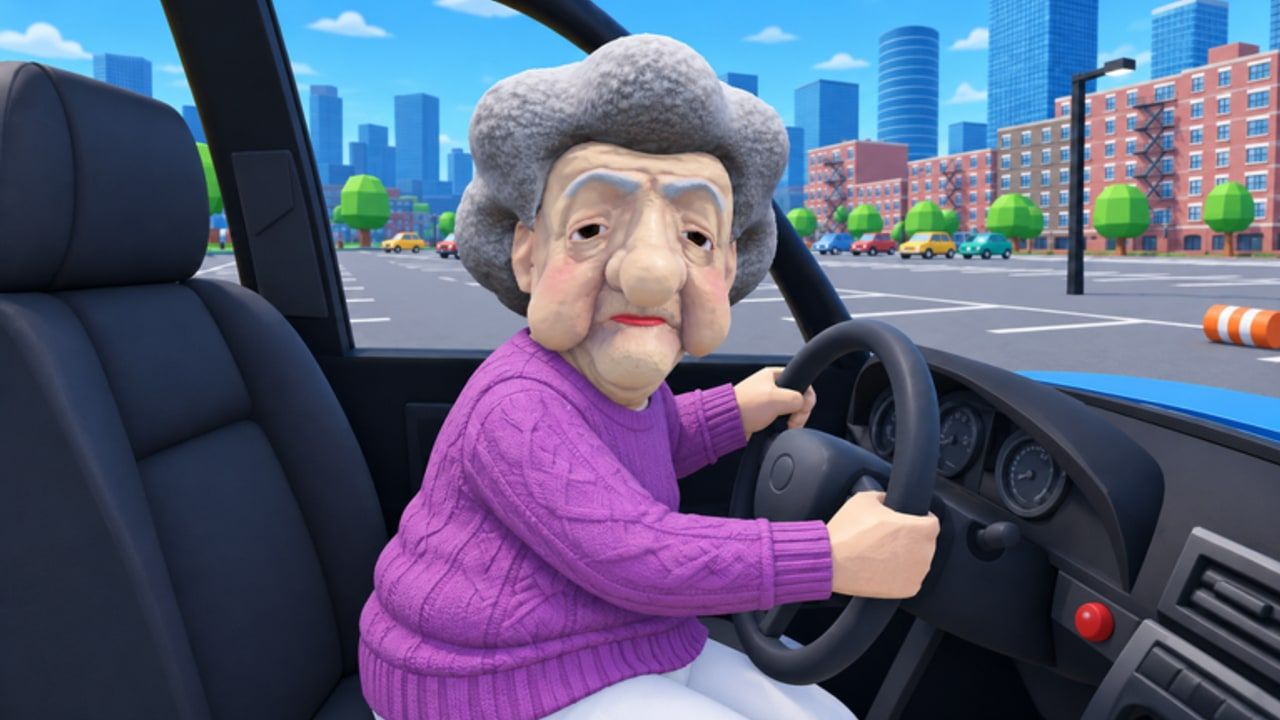
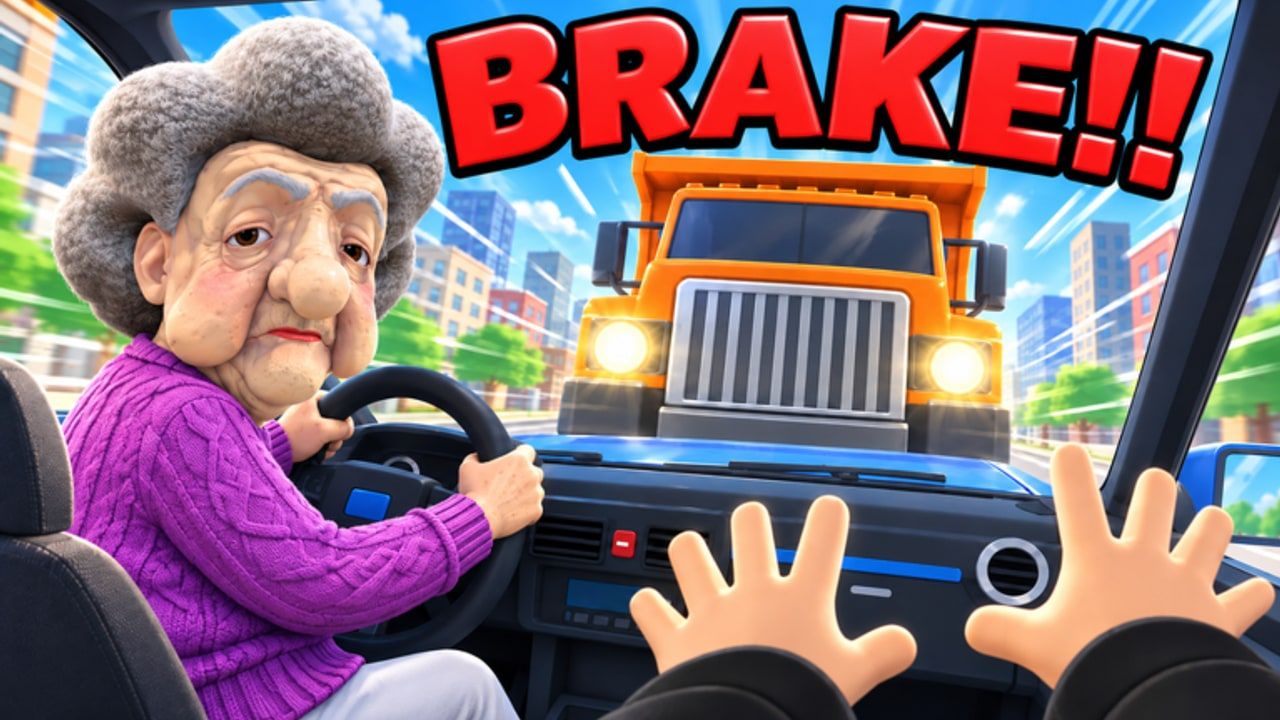
Teach Your Granny How To Drive is a chaotic Roblox vehicle sim from Tween Studios. You ride shotgun while Granny aims for her license. Hold SPACE and shout turn, brake, or stop — or open the Q menu if you have no mic. Clear cone courses, the bomb road, parking, the ice cream chase, roundabouts, the car wash, and busy streets to earn coins for wild cars and new drivers. Start with the Getting Started guide, learn voice commands, then tackle the all-lessons walkthrough. Check codes, the cars tier list, and updates whenever Tween ships new lessons.
Teach Your Granny How To Drive codes: no confirmed public promos yet, redeem steps, and warnings about other-game lists.
View all CodesIn-depth lesson walkthroughs, voice commands, parking tips, and coin unlock routes for Teach Your Granny How To Drive on Roblox now.
View all GuidesCommunity cars and drivers tier lists for Teach Your Granny How To Drive—who handles lessons best and what to unlock first.
View all Tier ListUnlockable drivers and characters guide for Teach Your Granny How To Drive—who to coach first, coin unlocks, and tips.
View all DriversTeach Your Granny How To Drive patch tracker—release date, recent updates, known lessons, and how to follow Tween Studios.
View all UpdatesTeach Your Granny How To Drive scripts status: no public working scripts found. Ban risk, malware warnings, and safer practice alternatives.
View all ScriptsVoice command cheat sheet for Teach Your Granny How To Drive: SPACE phrases, Q menu tips, and timed lesson callouts.
View all ToolsOfficial Teach Your Granny How To Drive links—Roblox game page, Tween Studios community, and every major wiki hub.
View all LinksOpen Teach Your Granny How To Drive on Roblox, hop into the passenger seat, and let Granny take the wheel.
Hold SPACE to shout voice orders, or hold Q / tap Tell Granny when you have no mic. Full list in the controls guide.
Start with cones and parking, then push into bomb road and busy streets using the lessons walkthrough.
Pass lessons for coins, then unlock wild cars and new drivers. See earn coins & unlocks and the cars tier list.
Quick answers for new instructors and returning players.
Hold SPACE and say commands like turn left, slow down, or STOP. Without a mic, hold Q or tap Tell Granny and pick a command. Details: controls & voice commands.
We track every confirmed code on the codes page. If none are listed, none are verified yet — follow Tween Studios and check back after updates.
Cone courses, bomb road, parking, ice cream chase, roundabouts, car wash, and busy streets. See the all-lessons walkthrough for tips on each.
This wiki supports: English, Français, Deutsch, Español, Português (BR).
No. This is an unofficial fan wiki. Always confirm announcements on the official Roblox page and Tween Studios channels.
Pass lessons to earn coins, then spend them on wild cars and alternate drivers. Start with earn coins & unlocks and compare picks on the tier list.
Use the Getting Started guide, practice voice commands, claim any live codes, and compare cars before the next hard lesson.
Start with the beginner guide